$ minikube start
1. helm 추가
jupyter-lab/
├── Chart.yaml
├── values.yaml
└── templates/
    └── pod.yaml
Chart.yaml
apiVersion: v2
name: jupyter-lab
description: A simple Helm chart for single-user JupyterLab
type: application
version: 0.1.0
appVersion: "1.0"
values.yaml
image:
  repository: jupyter/base-notebook
  tag: latest
  pullPolicy: IfNotPresent

notebookArgs:
  token: ""
  allow_origin: "*"

containerPort: 8888
templates/pod.yaml
apiVersion: v1
kind: Pod
metadata:
  name: jupyter-lab
  labels:
    app: jupyter-lab
spec:
  containers:
    - name: jupyter
      image: "{{ .Values.image.repository }}:{{ .Values.image.tag }}"
      imagePullPolicy: {{ .Values.image.pullPolicy }}
      command: ["start-notebook.sh"]
      args:
        - "--NotebookApp.token={{ .Values.notebookArgs.token }}"
        - "--NotebookApp.allow_origin={{ .Values.notebookArgs.allow_origin }}"
      ports:
        - containerPort: {{ .Values.containerPort }}
2. 실행
helm install jupyter-lab ./jupyter-lab
3. 포트 포워딩으로 로컬 브라우저에서 접속
kubectl port-forward --namespace jupyter svc/proxy-public 8080:80
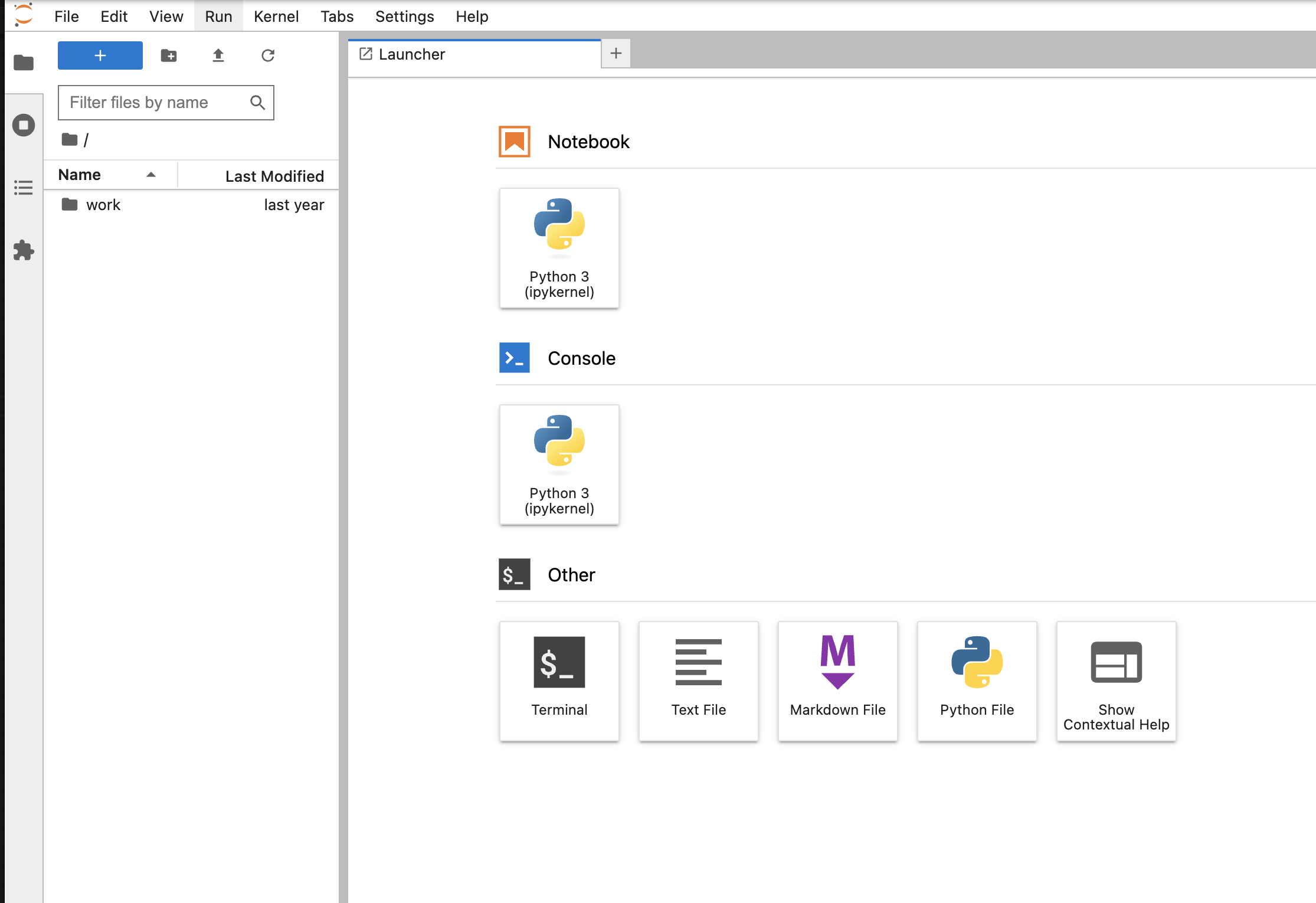
4. 종료하기
helm uninstall jupyterhub --namespace jupyter
'server > k8s' 카테고리의 다른 글
| helm - (1) nginx를 helm으로 설치해보기 (3) | 2025.07.27 |
|---|---|
| [k8s] nginx pod * 200개를 띄울수 있나요? (1) | 2024.05.22 |
| [k8s] argocd (minikube에 올려보기) (0) | 2024.03.08 |
| [k8s] fastapi + helm (minikube에 올려보기) (0) | 2024.03.06 |


